
Disclosure: Hushread is our app. We’ve tried to be fair, and we say where the others are the better choice.
The best RSS reader for Android depends on one question: do your feeds need to live anywhere besides your phone? If not, Feeder is the pick: free, open source, no account, no ads, no in-app purchases, and updated on Google Play on September 20, 2026. If you want the same feeds on a laptop or an iPhone, use a hosted service with its own Android app (Feedly, Inoreader, NewsBlur or Hushread), or point Capy Reader or Read You at a sync server. We opened each app’s US Google Play listing and, where it has one, its F-Droid page on October 9, 2026, and the details are below.
What Google Play says about each app today
Checked on 9 October 2026 on each app’s US Google Play listing (gl=US). “In-app purchases” is the per-item range Play prints, in US dollars.
| App | Rating (reviews) | Downloads | Last updated | Ads | In-app purchases |
|---|---|---|---|---|---|
| Feeder | 3.8 (2.22K) | 100K+ | Sep 20, 2026 | No | None |
| Capy Reader | 4.8 (369) | 10K+ | Jul 18, 2026 | No | None |
| Read You | Not on Play | n/a | n/a | n/a | n/a |
| FeedMe | 3.6 (4.86K) | 100K+ | Sep 26, 2026 | Yes | $0.49 to $19.99 |
| Feedly | 4.4 (317K) | 5M+ | Oct 6, 2026 | Yes | $7.99 to $69.99 |
| Inoreader | 2.8 (9.62K) | 500K+ | Oct 7, 2026 | No | $8.99 to $89.99 |
| NewsBlur | 4.1 (2.6K) | 100K+ | Oct 3, 2026 | No | $35.99 to $99.99 |
| Hushread | No rating shown | 1K+ | Sep 5, 2026 | No | $14.99 |
Three things stand out. Only two apps in the table carry Play’s “Contains ads” label: Feedly and FeedMe. Only two have no in-app purchases at all: Feeder and Capy Reader. And every app on Play except Capy Reader had been updated in September or October 2026 when we checked.
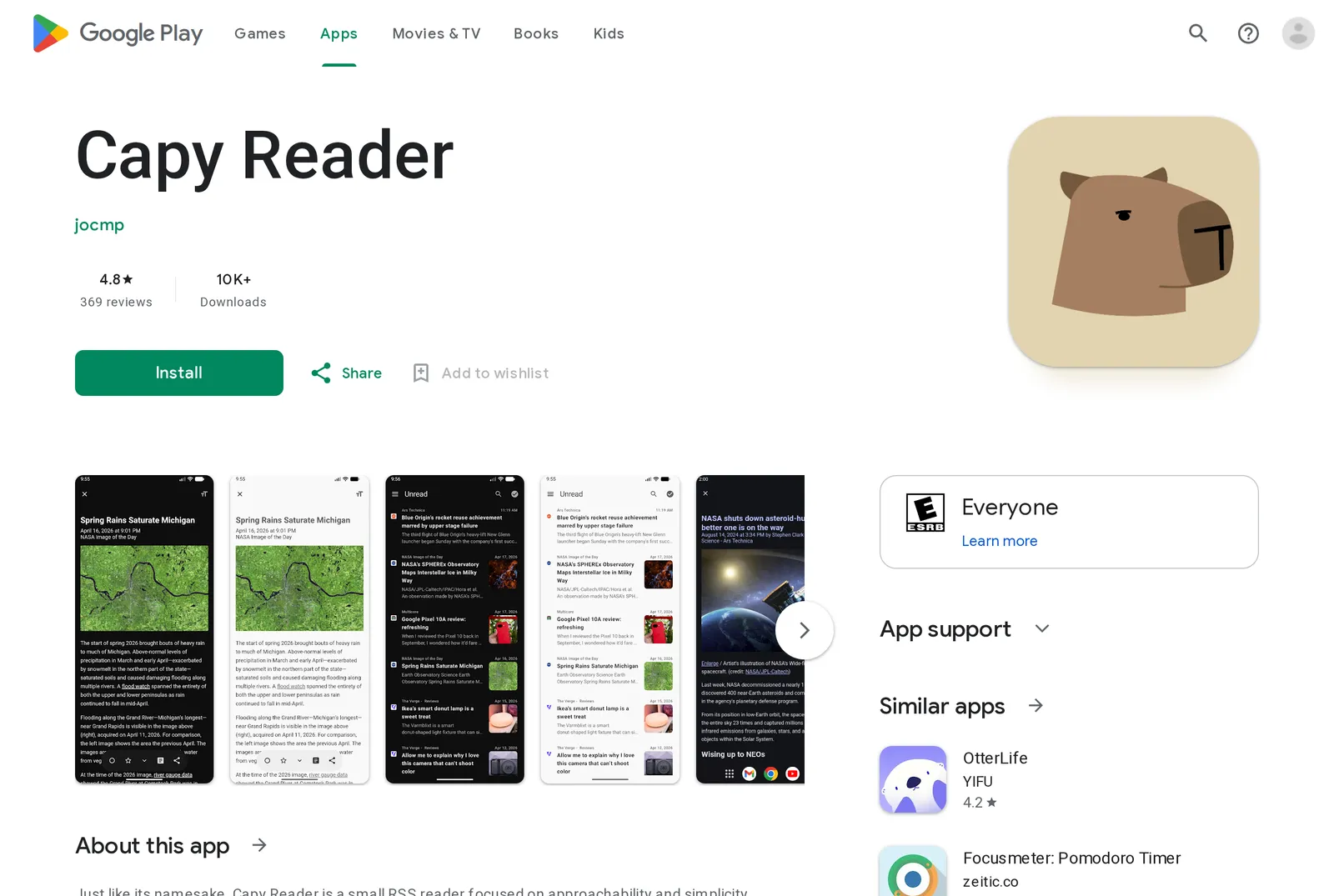 Capy Reader on the US Google Play store, 9 October 2026. Source: play.google.com
This post is only about Android. For iPhone, web and self-hosted picks, see our best RSS reader guide, and if you’re arriving from an iPhone app, NetNewsWire or Reeder for Android.
Free and open source: Feeder, Capy Reader, Read You
All three are licensed GPL v3 and listed on F-Droid with no anti-features flagged. They differ in where your feeds are kept.
Feeder: no account, runs on the phone
Feeder’s own README says it “does NOT sync with usual remote backends so no account registration of any kind is necessary”, and that it “runs locally on your device” (GitHub). Its listed features are offline reading, notifications and OPML import and export. A widget arrived in version 2.18.0 on March 7, 2026, with widget fixes in versions 2.19.0, 2.20.0 and 2.21.0 (changelog).
It’s the most actively released of the three: version 2.23.2 is dated September 20, 2026 in the changelog and was added to F-Droid on September 22. It needs Android 10 or newer.
The cost of having no account is that there is nothing to sign back into on a new phone. Export an OPML file now and then.
Capy Reader: local, or synced to Feedbin, FreshRSS or Miniflux
Capy Reader describes itself as “a smallish RSS reader with support for Feedbin, FreshRSS, Miniflux and local feeds”, and its README states it is “free across all sources” (GitHub). The Play description lists a headlines widget, notifications, full content mode and article search. So you can start local and move to a server later without changing apps.
Two caveats. It needs Android 11 or later. And although the README says releases come “every week or so”, the newest build on F-Droid is 2026.07.1212, added on July 19, 2026, which matches the July 18 date on Play. That is nearly three months without a release.
Read You: Material You design, F-Droid only
Read You is not on Google Play: its package address there returned a 404 for us, and its README offers GitHub, Telegram and F-Droid as download sources (GitHub). The same README ticks off OPML import and export, new article notifications, full content parsing, multiple accounts and read aloud. It ticks Fever, Google Reader and FreshRSS as working integrations, and leaves Miniflux, Inoreader, Feedly and Feedbin unticked.
The Android widget is also unticked, so don’t pick Read You for a home screen widget. The latest F-Droid build is 0.16.2, added on June 4, 2026, for Android 8.0 or newer, which makes it the choice for older phones.
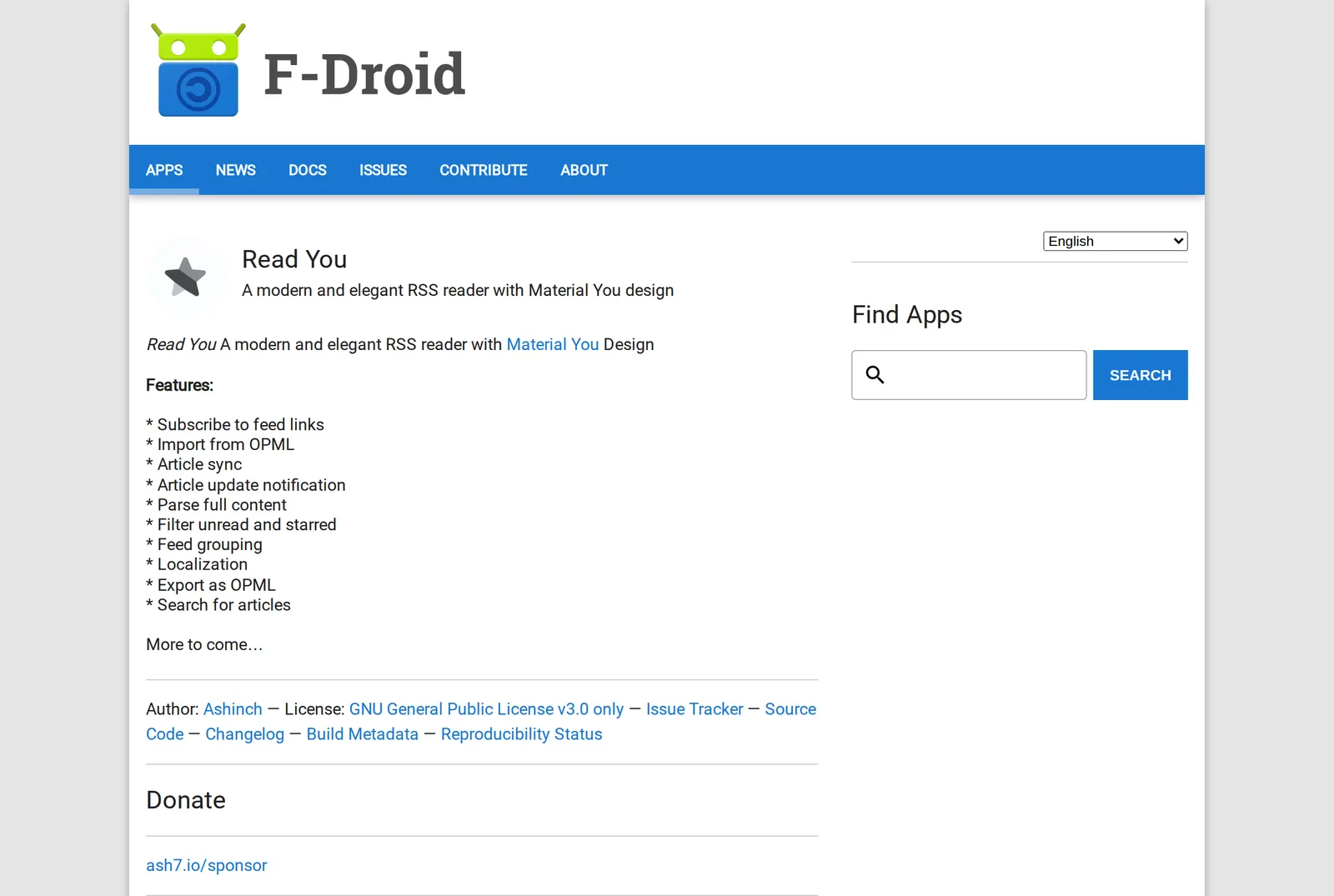 Read You’s F-Droid listing, 9 October 2026. Source: f-droid.org
A client for many services: FeedMe
FeedMe is not on F-Droid (its package address there returned a 404 for us), but it connects to more services than anything else here. Its Play description lists Bazqux, Feedbin, Feedly, Folo, Inoreader and The Old Reader, plus Tiny Tiny RSS, Fever, FreshRSS and other Google Reader APIs, and local RSS. It also lists offline sync of full text and images, podcasts, text to speech and unread count widgets.
Read the listing carefully, though. The description says “100% Ad-Free”, while Play’s own label directly under the developer name reads “Contains ads”, next to in-app purchases from $0.49 to $19.99 per item. We could not tell from the listing which is right, so check before you rely on it.
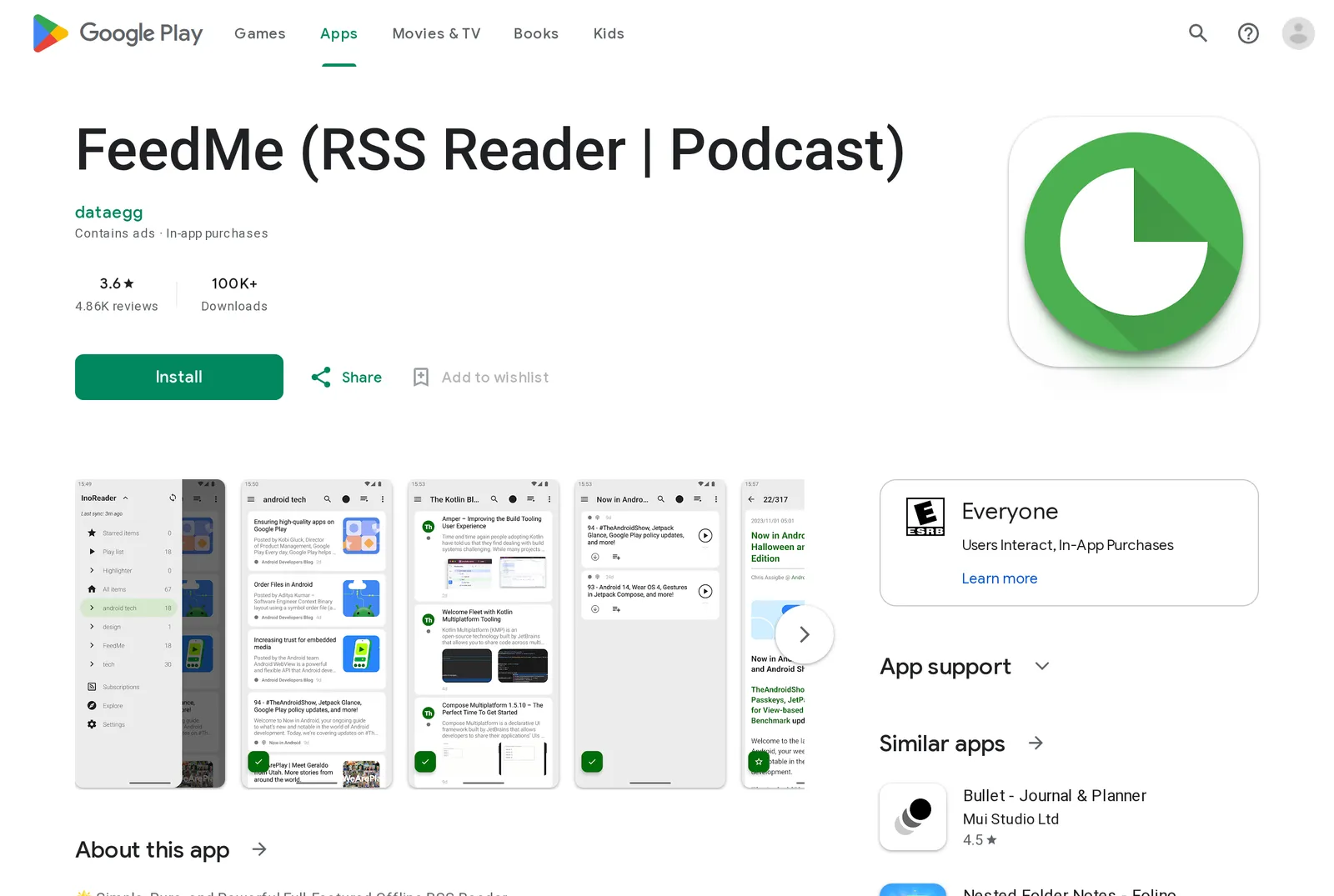 FeedMe on the US Google Play store, 9 October 2026. Source: play.google.com
Hosted services with their own Android app
These keep your feeds on their servers, so the same list shows up on the web and on other phones. The trade is an account and a free plan with a ceiling.
Feedly has by far the largest Android audience: 5M+ downloads and a 4.4 rating from 317K reviews. It is also one of the two apps here that Play labels “Contains ads”. Its prices vary by country, so we keep the plans and limits in one place: Feedly pricing.
Inoreader gives you 150 feeds free (pricing) and shows no ads label on Play, but its Android app rates 2.8. The Play description promises “Download articles for offline reading”; our Inoreader pricing breakdown lists offline among the Pro features, so test the free plan on your phone before paying.
NewsBlur shipped version 15 for Android on October 3, 2026, with a side-by-side layout for tablets and unfolded foldables, configurable gestures and less scroll jank (NewsBlur blog). Its Play description includes “Read while offline and re-sync read and saved stories when online again”. Free follows up to 64 sites and Premium is $36 a year (pricing).
Hushread is the smallest app in the table at 1K+ downloads, and its free plan is the smallest too: 5 sources. Pro is $1.25 a month billed yearly ($14.99 a year in the US), which is the single $14.99 item on its Play listing (plans). What it does differently is group articles about the same event from your sources into one story. It has one home screen widget, Latest Article (apps and devices), and our docs list no offline mode, so it is the wrong pick for a commute without signal.
Which one to install
- One phone, nothing else: Feeder.
- A FreshRSS, Miniflux or Feedbin account: Capy Reader. For Fever or a Google Reader API server, Read You or FeedMe.
- A Feedly or Inoreader account, but you dislike the official app: FeedMe.
- Phone plus web, no server to run: NewsBlur, Inoreader or Feedly on their free plans first.
- Too many outlets repeating the same news: Hushread, if 5 sources is enough to judge it.
FAQ
What is the best RSS feed app for Android?
Feeder, for most people with one Android phone: it is free and open source, needs no account, and its Google Play listing shows no ads and no in-app purchases as of October 9, 2026. If you need the same feeds on the web or an iPhone, a hosted service such as NewsBlur, Inoreader or Feedly fits better.
Is there a free RSS reader for Android?
Yes. Feeder, Capy Reader and Read You are free and open source under GPL v3 with nothing to buy inside them. Inoreader (150 feeds), NewsBlur (64 sites) and Hushread (5 sources) have free plans with limits.
Which Android RSS feed app has a widget?
Feeder added a widget in March 2026, Capy Reader lists a headlines widget, FeedMe lists unread count widgets, and Hushread has a Latest Article widget. Read You’s README still marks its Android widget as not done.
Which Android RSS readers are on F-Droid?
Feeder, Capy Reader and Read You were all listed on F-Droid on October 9, 2026. Read You is on F-Droid and GitHub but not on Google Play.
Start with Feeder if your reading happens on one phone, and move to a synced option only when you find yourself wanting the same list somewhere else: Feeder exports your feeds as an OPML file, so the move costs little. If the problem is not the app but the pile of repeated headlines, Hushread is free with up to 5 sources on Android, iOS and the web. Try Hushread.