
Disclosure: Hushread is our app. We’ve tried to be fair, and we say where the others are the better choice.
The right Flipboard alternative depends on what’s bothering you. If it’s the ads and a feed that never quite learns what you like, move to an app where you choose the sources yourself, such as Hushread or a plain RSS reader. If you like Flipboard and just want your own feeds on top, try Surf, Flipboard’s newer feed reader, before you leave the family.
What Flipboard does well
Flipboard lets you follow topics, publications and magazines that other users put together. What you see is chosen by a mix of algorithm and human editors, including its Daily Edition, and in February 2026 the company made a push toward independent publishers (PPC Land). It has also federated with the fediverse since December 2023 (Wikipedia).
It runs on iOS, Android and the web. It’s free and ad-supported, and the iPhone app lists no in-app purchases. On the App Store it’s rated 4.7 from 329K ratings (App Store). Plenty of people are happy with it, and if you’re one of them, the section on when to stay is further down.
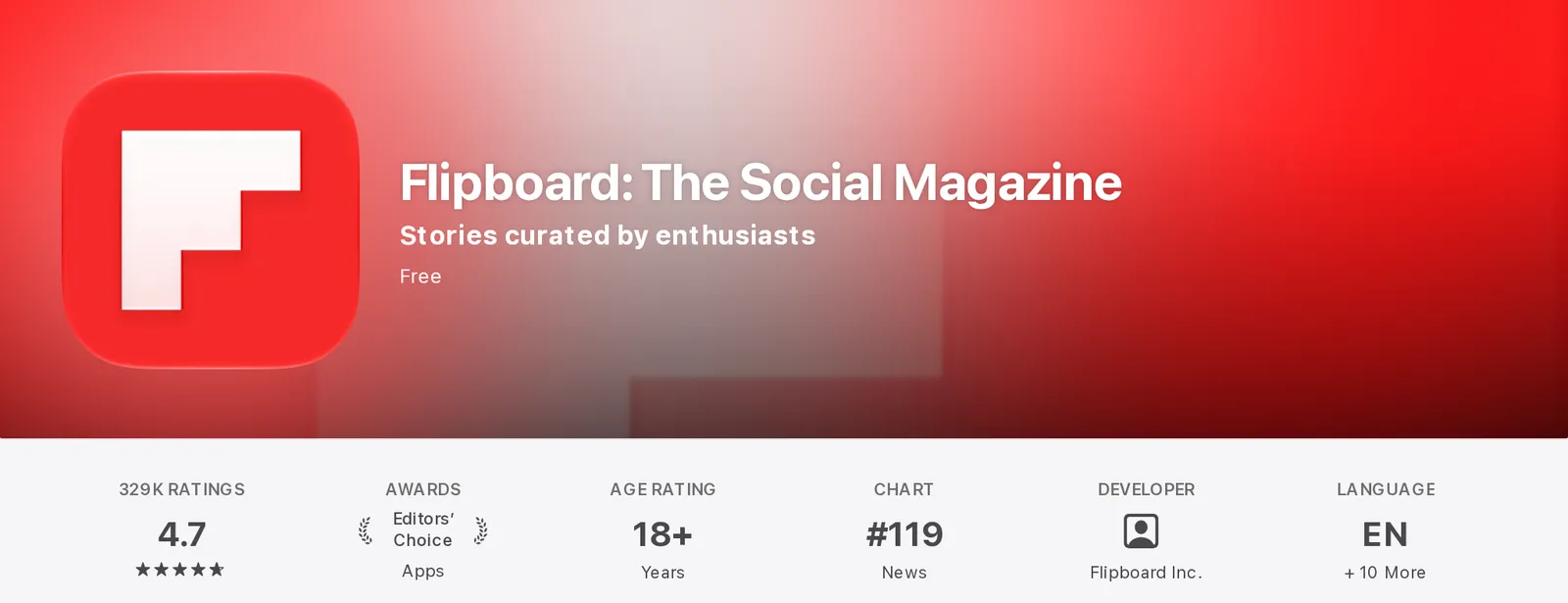 Flipboard’s listing on the US App Store, as shown on 9 October 2026. Source: apps.apple.com
Why people look for a Flipboard alternative
Flipboard’s Trustpilot page sits at 1.7 out of 5, from just 46 reviews (Trustpilot). That’s a small, self-selected sample next to 329K App Store ratings, so don’t read much into the score. Two recent reviews give a better sense of the frustrations:
- Ads. “Constantly spammed with Visit USA ads no matter how many times I report them,” one reviewer wrote on September 16, 2026.
- A feed that doesn’t learn. “It should be obvious what scientific or animal related news I’m interested in… you can do better,” wrote another on August 18, 2026.
The ads are a business-model question. The second complaint is about design: when an algorithm decides what you see, you end up negotiating with it, reporting and nudging and waiting for it to catch on. The other approach is an app where you pick the sources and nothing else gets in. We go into that idea more in our guide to a news app without an algorithm.
Does Flipboard support RSS?
Partly, as far as we can tell. An older post on Flipboard’s own blog says you can follow an RSS feed by pasting its URL into search (Flipboard). We couldn’t confirm it still works that way in 2026, so treat it as worth a try rather than something to build your reading around.
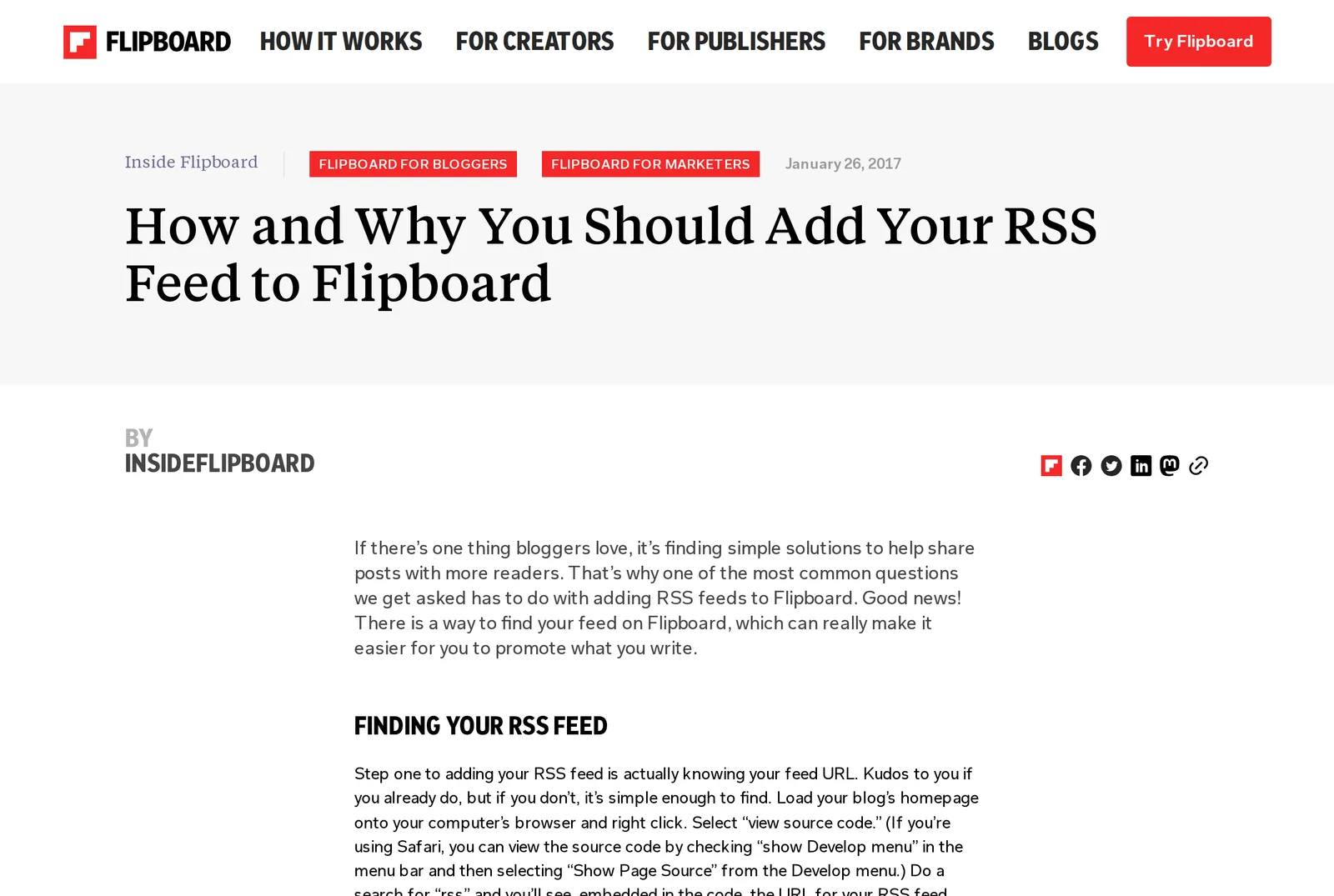 Flipboard’s blog post on adding an RSS feed, dated January 26, 2017, as shown on 9 October 2026. Source: about.flipboard.com
The more deliberate route is Surf, covered below.
Flipboard alternatives compared
Here’s how the main options compare (as of September 2026).
| App | Who shapes your feed | Your own sources | Price |
|---|---|---|---|
| Algorithm plus human editors | RSS via search, per an older help post | Free, ad-supported | |
| Hushread | You; everything arrives in order | Feeds, websites, subreddits, YouTube, Facebook pages | Free up to 5 sources; Pro $1.25/mo billed yearly |
| Particle | Personalized from people, places and publishers you follow | No RSS or custom sources | Particle+ $2.99/mo or $29.99/yr |
| SmartNews | Editors plus algorithm | No, its own channels only | Free with ads |
| Apple News | Editors, plus an algorithmic Trending list | No, RSS support was removed | Free; News+ $12.99/mo |
Surf isn’t in the table because we couldn’t confirm its pricing.
1. Hushread: you choose every source
Hushread is a news reader where you pick the sources and nothing is ranked or injected into your feed. You can follow RSS and Atom feeds, websites that don’t have a feed (Hushread learns to read the page), subreddits, YouTube channels, Facebook pages, and topics you name, like “climate” or “chip exports”. There are 2,500+ curated sources and one-tap bundles, so you don’t start from an empty screen. It answers that second reviewer’s complaint from the other side: you say what you want once, and the app sticks to it.
The part that makes it more than a plain feed is what happens when several of your sources cover the same event. Instead of five headlines, you get one story. See whole story opens a day-by-day timeline of every outlet’s coverage with a summary of how it developed, and long stories chain into chapters. Syndicated copies and rewrites collapse under the freshest version. Particle groups stories too, from its own pool of sources; Hushread groups the ones you chose, on every plan including Free. Our live stories page shows how it looks.
Trending measures how many different publishers are covering a story, hour by hour, and flags the ones that are surging, with a Local tab for your country and a tab per section. If you liked Flipboard’s Daily Edition, the nearest thing is Hushread’s separate News section: the day’s top global stories with a regional mix, plus a one-minute audio briefing. The reader view has no ads or popups.
Where it falls short of Flipboard: it’s a reader, not a visual magazine. There are no community magazines and no fediverse features. The free plan is limited to 5 sources, and it’s a newer app built by one independent developer.
2. Surf, from Flipboard
Surf is a separate app from Flipboard, and it’s worth a look if you like Flipboard but want to bring your own feeds. It follows RSS feeds, Bluesky, Mastodon, YouTube and podcasts. It came out of beta on April 2, 2026; at that point the web version was live, the Android app was in beta and iOS had a waitlist (AIVANET). Check where it stands now before you plan around it on your phone.
3. Particle: a summary for each story
Particle groups coverage of a story from multiple outlets, writes an AI summary and links out to the publishers (TechCrunch). You follow people, places, journalists and publishers, and it can show you opposing sides of a story. It’s on iOS, Android and the web, and it holds a 4.8 rating from 1.2K ratings on the App Store, where it’s an Editors’ Choice (App Store). You can’t add RSS feeds or your own sources. We look at it closely in our Particle review.
4. SmartNews: free, with no setup
SmartNews describes its approach as a “blend of editor and algorithmic curation” and offers a political spectrum slider (SmartNews). Channels come from its catalog, and you can’t add custom sources (App Store). It’s on iOS and Android, free with ads, and good for US and local news if you don’t want to set anything up.
5. Apple News, if you only use Apple devices
Editors pick Apple News’s Top Stories, and its Trending section is algorithmic (Cult of Mac). Channels come from Apple’s catalog; the option to add your own RSS feeds was dropped, as reported in December 2019 (Michael Tsai). It runs only on iPhone, iPad and Mac, and News+ costs $12.99 a month after a one-month trial (Apple).
6. A plain RSS reader
If all you want is your own sources, in order, a traditional RSS reader does that. Some, like Inoreader and Feedly, allow far more sources on their free plans than Hushread’s 5. If story grouping or surge detection matters to you, check whether the one you pick offers it. Our best RSS reader guide compares the main options.
When Flipboard is the better choice
Stay with Flipboard if:
- You browse visually. Flipboard is built for flipping through; Hushread is built for reading your sources in order. If the pictures and layout are the appeal, Hushread won’t replace that.
- You like other people’s curation. Flipboard lets you follow magazines other users put together, and Hushread has nothing like them.
- You’re on the fediverse. Flipboard federates and Hushread doesn’t. Surf is also an option here.
- You want someone else to choose. Flipboard’s editors and its Daily Edition pick for you. If choosing sources sounds like a chore, that’s a real advantage.
- You don’t want to pay. Flipboard is free. Hushread’s free plan stops at 5 sources, and Pro is $1.25 a month billed yearly.
- You like its indie publisher push. If discovering independent writers is why you open Flipboard, that’s a reason to stay.
FAQ
Is there an app like Flipboard without an algorithm?
Yes. Hushread shows only the sources you pick, in order, with nothing ranked or injected, and it groups related coverage into stories. A plain RSS reader also works if you don’t need the grouping.
Is Flipboard free?
Yes. Flipboard is free and ad-supported, and its iPhone app lists no in-app purchases.
Does Flipboard use an algorithm?
Yes, alongside human editors. It mixes algorithmic picks with editorial ones such as the Daily Edition.
What is Flipboard Surf?
A separate app from Flipboard that follows RSS feeds, Bluesky, Mastodon, YouTube and podcasts. It left beta on April 2, 2026, with the web version live, Android in beta and an iOS waitlist at launch.
What’s a good Flipboard alternative for iPhone?
Every app in the table runs on iPhone. Hushread, Particle and Flipboard also run on Android and the web, SmartNews runs on Android too, and Apple News is only on Apple devices.
If Flipboard keeps guessing wrong about what you want, the practical fix is to stop letting it guess. Hushread is free with up to 5 sources on iOS, Android and the web. Try Hushread.