
Disclosure: Hushread is our app. We’ve tried to be fair, and we say where the others are the better choice.
Pick Google News if you want hard news fast and like seeing how many outlets cover the same event: we found no Flipboard page describing a match for its Full Coverage view. Pick Flipboard if you read by interest more than by headline, like collections put together by people, or want Threads and Mastodon accounts in the same app as your news. Both are free, both show ads, and both rank your home feed with an algorithm. Neither is a plain newest-first list of sources you chose.
Everything below was checked against the linked pages, mostly Google’s and Flipboard’s own, on 8 October 2026.
Google News vs Flipboard at a glance
US store listings and prices, checked 8 October 2026:
| Google News | ||
|---|---|---|
| Price | Free, with ads | Free, with ads |
| Who ranks the home feed | Algorithms | An algorithm influenced by editors’ picks |
| Same event from many outlets | Yes, Full Coverage | No equivalent that we could find documented |
| Collections made by people | None that we could find | Yes, Magazines |
| Fediverse accounts | No mention in the Google help pages we opened | Follow Threads and Mastodon accounts, in the iOS and Android apps only |
| Add your own RSS feed | No option that we could find | Described in a 2017 Flipboard post; unconfirmed today |
| Devices | Android, iPhone, iPad, web | Android, iPhone, iPad, Apple Watch, web |
| iPhone app languages | 46 | 11 |
Who decides what you see
Google News: algorithms, start to finish
Google does not dress it up: “Computer algorithms determine which stories show up on Google News and in what order.” Sections such as Headlines and Full Coverage are picked by language and region. The personalized parts draw on your Google News settings and your “activity on Google services and YouTube” (Google support).
You steer it by following topics, sources and locations, by choosing “More stories like this” or “Fewer stories like this”, and by picking “Hide all stories from [source]” (Google support).
Flipboard: an algorithm with editors behind it
Flipboard’s home feed is called For You. Its help center says it “contains the best of everything you follow”, pulling from your Magazines, topics and sources, and that Flipboard may fill it with recommended content if you follow little (Flipboard help).
People are part of the ranking. In a November 2024 post, Flipboard said its editorial team’s picks go into its Daily Edition roundup, newsletters and notifications, and that “these editorial choices influence the blended algorithm that powers the popular ‘For You’ feed”. The same post says the process starts with “a vetted set of publishers” fed into its AI (Flipboard).
Do not expect strict time order in either app. Flipboard says content “may not always appear in exact chronological order” and may be arranged by “a number of algorithms (i.e. most popular, most shared, etc)” (Flipboard help).
Full Coverage vs Magazines
These are the two features that set the apps apart, and they solve different problems.
Full Coverage is for one event. Google describes it as a way “to get more resources, perspectives, and context” on a story, and it is not tailored to you: “Full Coverage has no personalization other than your language, region, and subscriptions” (Google support). On the website, the same grouping shows under each top story.
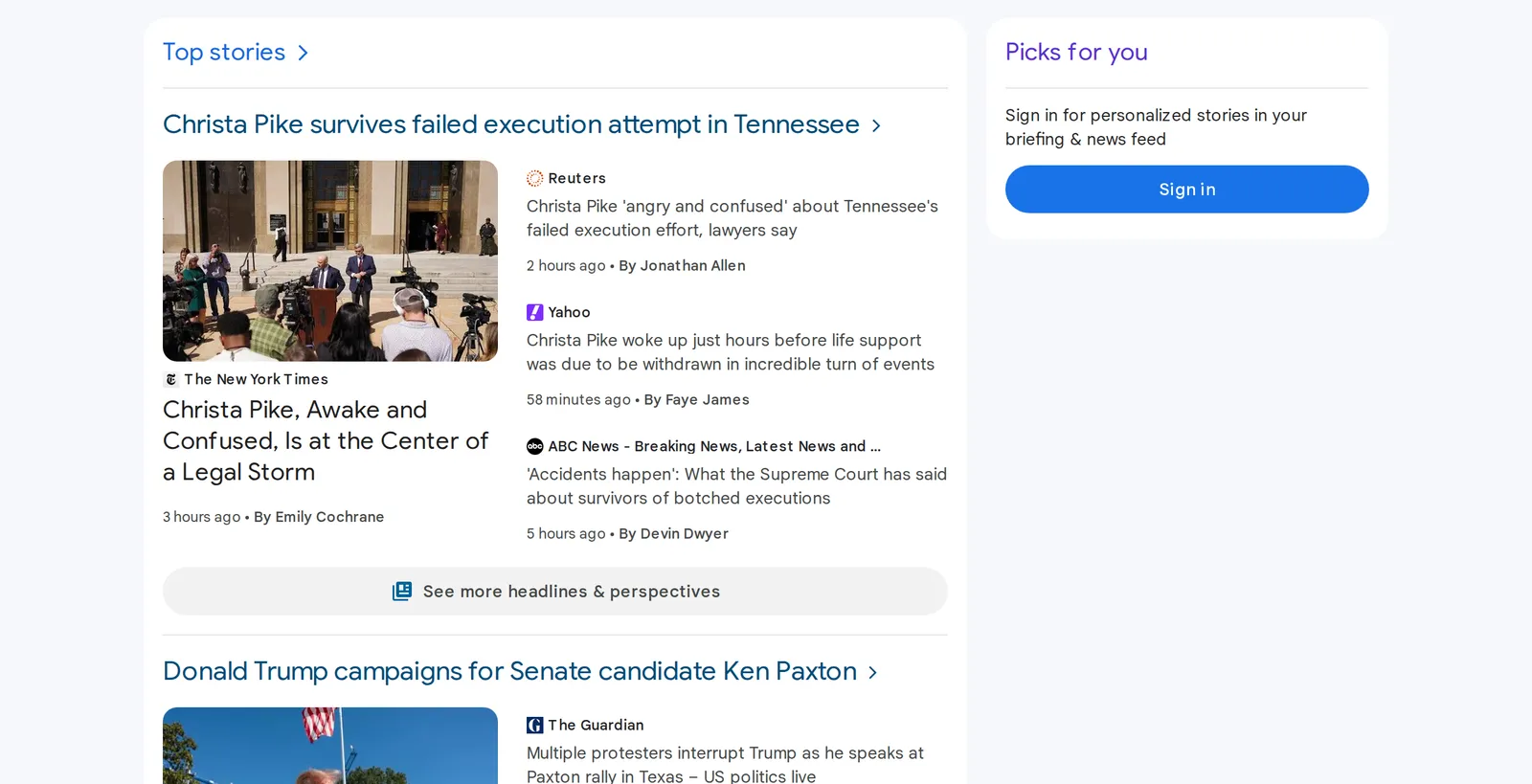 Google News grouping four outlets under one top story, US edition, signed out, 8 October 2026. Source: news.google.com
We found no Flipboard page describing a view like that. Flipboard’s unit is the Magazine: a collection of stories that someone on Flipboard puts together. Its App Store listing says the app is “made for and by enthusiasts, with content curated on thousands of topics”, and that you can collect stories into your own Magazine and make it public (App Store).
One detail matters here. Flipboard says Magazines and topic feeds “are not personalized; every Flipboard user gets the same content”, while For You is ranked and filtered for you (Flipboard help). So a Magazine is a fixed, human-made lane inside an otherwise algorithmic app. We found nothing like it in Google’s help pages.
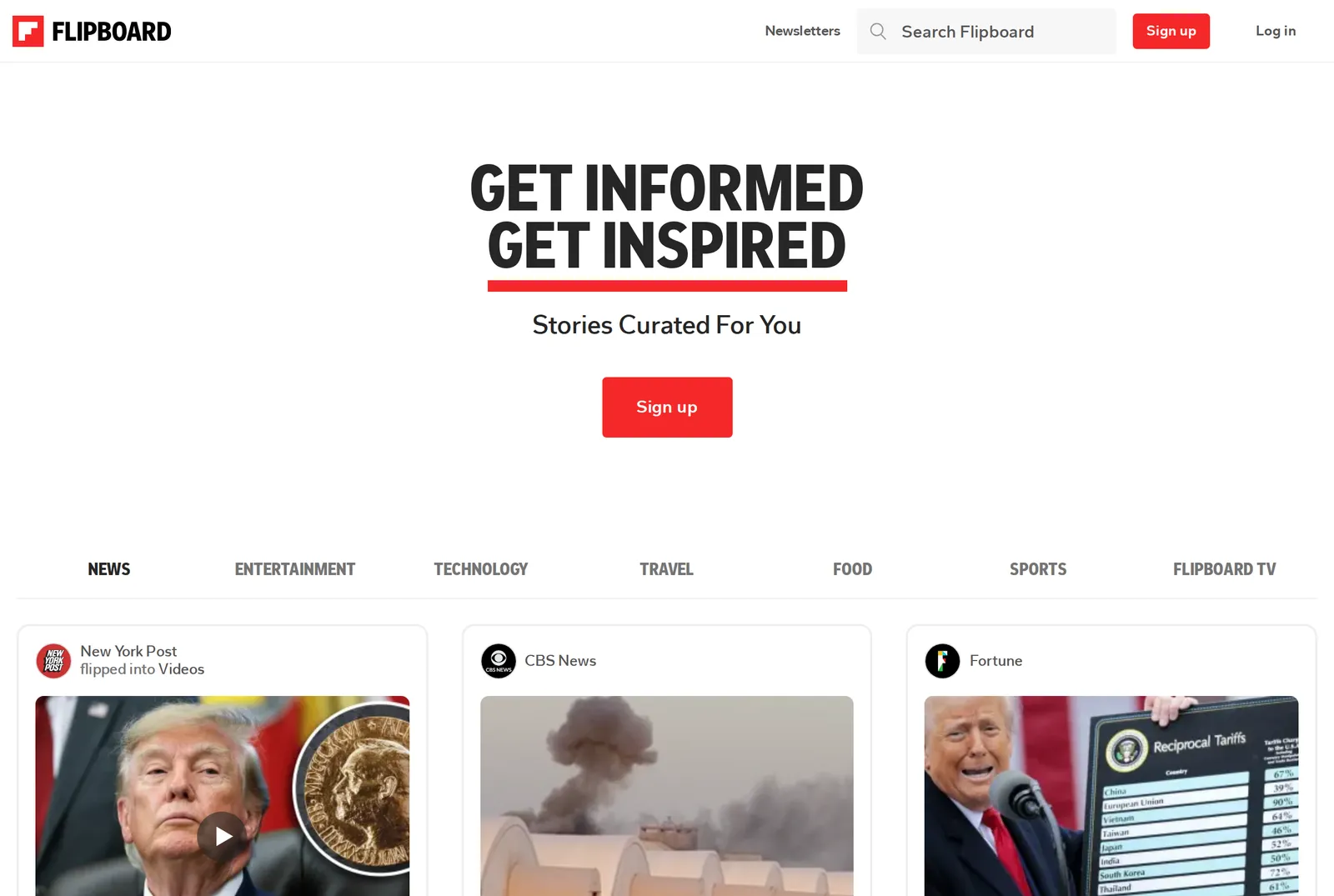 Flipboard’s website before signing in, 8 October 2026. Source: flipboard.com
Getting rid of what you don’t want
Google documents three controls: fewer stories like this, hide a source, and unfollow. Our Hushread vs Google News comparison covers 2026 reviews from readers who say hiding a source no longer works for them.
Flipboard’s controls come with limits it states itself:
- Mute a publisher. The story “and all others from that publisher will be hidden from your feed. However, it will not mute the entire topic” (Flipboard help).
- Show less like this. Flipboard says “We don’t currently offer the ability to truly mute a topic”. The option works only in For You, and “Less Like This is only available in the US and select international markets” (Flipboard help).
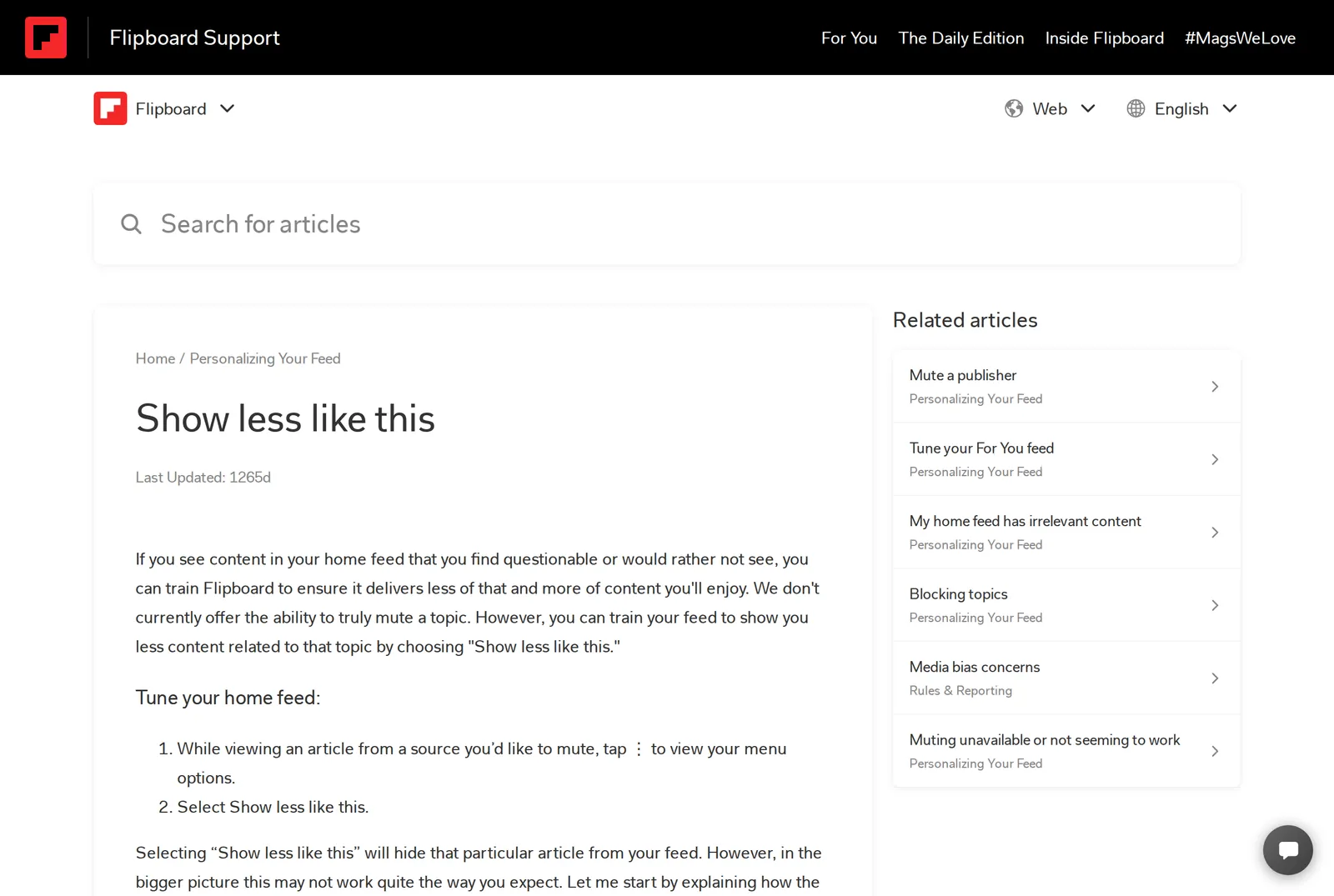 Flipboard’s help page on “Show less like this”, 8 October 2026. Source: flipboard.helpshift.com
If you are outside the US, check that the option appears for you before you rely on it. Both help pages show as last updated more than three years ago, so the app may have moved on.
The fediverse in Flipboard
Flipboard began federating on 18 December 2023, starting with 25 publishers and creators, on the open protocol called ActivityPub (Flipboard). On 13 August 2024 it announced that Flipboard users “can follow federated Threads accounts” or Mastodon profiles “and see all of their posts on Flipboard” (Flipboard). The release notes on its App Store listing, as of 8 October 2026, still open with it: “Follow people posting on Threads, Mastodon and other fediverse services and see what they are sharing in your For You feed.” (App Store)
Three caveats from the help center. The page on following fediverse accounts says the features are “only available on” Flipboard’s iOS and Android apps. It lists the Fediverse tab and featured fediverse profiles in Explore as “Only available in the U.S. and Germany”. And it notes that “Only Threads accounts with fediverse sharing enabled can be discovered, followed and interacted with on Flipboard” (Flipboard help).
Your own Flipboard account may not be federated either. A separate help page, which shows as last updated about two years ago, answers the question of whether all accounts are with “Not yet”, saying Flipboard “is currently testing federation with a limited set of accounts” (Flipboard help). We could not confirm whether that has changed since.
We found no mention of the fediverse in the Google News help pages we opened.
Can you add your own RSS feeds?
In Google News, we found no way to do it. On the publisher side, Google said that from late March 2025 it “will no longer use RSS feeds or web locations that were submitted in Publisher Center” (Publisher Center).
Flipboard is less clear. A post on its blog dated January 2017 says you can type a feed’s URL into search, find it under the “Social” tab and follow it, on three conditions: a full-text feed, an image at least 400px on its shortest side in each post, and at least 30 items (Flipboard). We could not confirm that the current app still works that way, so treat it as something to test, not to plan around.
Flipboard’s own answer to RSS is a separate product, Surf. An April 2026 announcement says Surf feeds “can include sources from Bluesky, Mastodon, Threads, YouTube, podcast services, blogs and newsletters (RSS)”. Surf was in beta at that point, with the mobile version on Google Play for Android and by invite on iOS (Flipboard).
If picking every source yourself is the point, neither app is built for it. A feed reader is: Hushread, for one, shows only the sources you add, newest first, and links coverage of the same event into one story. Its free plan stops at 5 sources, and it has no Magazines and no fediverse features. Our guide to a news app without an algorithm covers the other options.
Price, ads and devices
Both apps are free and both carry the “Contains ads” label on Google Play, where Google News shows more than a billion downloads and Flipboard more than 500 million (Google News on Play, Flipboard on Play).
On the App Store, Flipboard is rated 4.7 from 329K ratings, needs iOS 15 or later, also runs on iPad and Apple Watch, and lists 11 languages (App Store). Google News is rated 4.6 from 226K ratings, needs iOS 17 or later, and lists 46 languages (App Store). If you read in a language Flipboard’s list does not cover, that settles it.
Both privacy labels list “Third-Party Advertising” as a purpose. One difference: Flipboard’s label includes Precise Location, while Google News lists Coarse Location. Both also run in a browser, at news.google.com and flipboard.com.
FAQ
Is Flipboard or Google News better?
Google News is better for breaking news and for comparing how outlets report one event, through Full Coverage. Flipboard is better for browsing by interest, following Magazines that people curate, and reading Threads and Mastodon accounts alongside news.
Flipboard vs Google News: which has fewer ads?
Neither store listing gives a number. Both are free, both are labeled “Contains ads” on Google Play, and both App Store privacy labels list third-party advertising.
Does Flipboard have something like Google News Full Coverage?
Not that we could find. Flipboard’s pages describe Magazines, topics and the For You feed, and none describes a page that gathers every outlet’s reporting on a single event.
Can I use Flipboard and Google News without an account?
Both websites open without signing in. Google News then shows a “Sign in for personalized stories” box in place of your picks, and Flipboard’s front page shows story cards under a Sign up button.
Is Flipboard free?
Yes. The App Store lists Flipboard as free, and Google Play labels it “Contains ads”.
If you want headlines and the spread of reporting on each one, start with Google News; if you would rather browse subjects and other people’s collections, start with Flipboard. They cost nothing, so a week with each is a fair test. If the algorithm in both is what bothers you, our Google News alternatives roundup compares seven other apps, and Google News vs Apple News covers the other common head-to-head.