
Disclosure: Hushread is my app. I’ve tried to be fair, and I say where the others are the better choice.
When Apple News is not working, check two things before you touch a setting. First, Apple’s System Status page has a line for News: if it is not green, the fault is Apple’s and you wait. Second, Apple News is offered in four countries only, so an app that is missing or says it is unavailable may be working as designed. If both checks pass, Apple’s own order of fixes is: close and reopen the app, restart the device, update, then delete the app and download it again.
Everything below comes from Apple’s support pages, which I opened on 14 October 2026. Menu names are the ones in the current iPhone and Mac user guides, which default to iOS 27 and macOS 27.
1. Is Apple News down?
Apple publishes a status page for its services, and News is on it by name. When I loaded it, News showed as available.
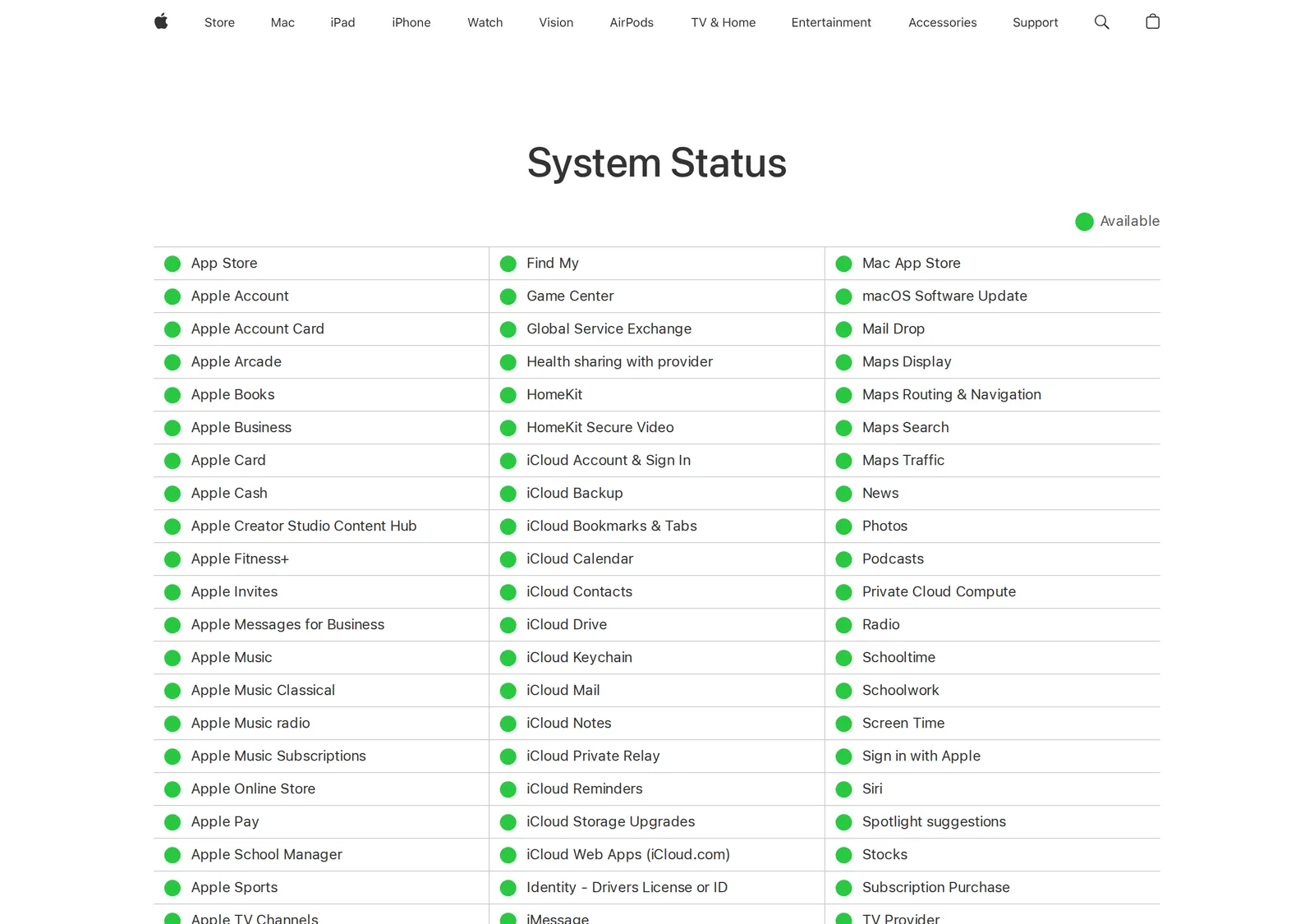 Apple’s System Status page listing News as available, 14 October 2026. Source: apple.com
If News is marked with an issue there, nothing on your device will fix it. If it is green and the app still fails, the cause is on your side: the device, the account or the network.
2. Is Apple News available in your country?
If you are outside a short list of countries, this is the whole answer. Apple’s feature availability page lists Apple News in Australia, Canada, the United Kingdom and the United States, and nowhere else (Apple). Apple News+ and Apple News Audio have the same four countries. Apple News+ Puzzles are listed for Canada and the United States only.
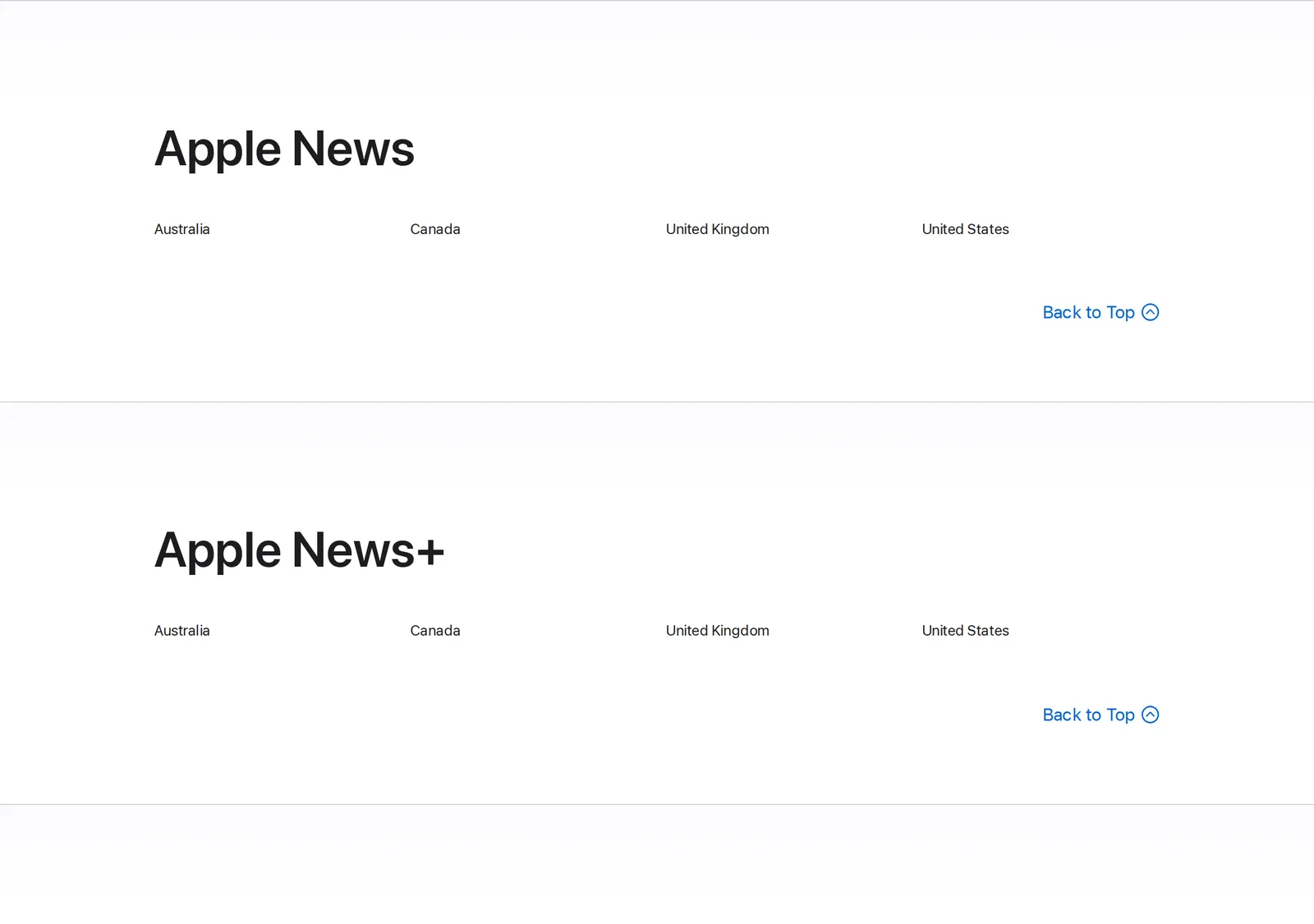 The countries where Apple offers Apple News and Apple News+, 14 October 2026. Source: apple.com
If you have moved to one of the four countries, the setting to look at is your Apple Account’s country or region. On iPhone, Apple’s steps are Settings, your name, Media & Purchases, then Country/Region (Apple Support). Read that page before you change anything: Apple says you must first spend any remaining Apple Account balance and cancel subscriptions that block the change, and that you may need to leave a Family Sharing group.
If you live outside those four countries, there is no setting to fix. The last section before the FAQ says what I would do instead.
3. The app will not open, freezes or closes on iPhone and iPad
Apple has one article for any app that “stops responding, closes unexpectedly, or won’t open”, and it gives five steps in this order (Apple Support):
- Force the app to close, then open it again.
- Restart your iPhone or iPad.
- Check for updates: open the App Store, tap your profile icon, then tap App Updates. If there is none, update the software on your device.
- Delete the app, then redownload it.
- If it still fails, contact the app developer. For News, that is Apple.
To close the app on an iPhone X or later, start from the Home Screen, swipe up from the bottom of the screen and pause in the middle, swipe right or left to find News, then swipe up on its preview. On an iPhone SE, or an iPhone 8 or earlier, double-click the Home button instead (Apple Support). Apple adds a caution on that page: “You should close an app only if it’s unresponsive.”
What deleting News costs you
News is one of the built-in apps Apple lets you delete, and Apple is direct about the price: “When you delete a built-in app from your device, you also delete any related user data and configuration files” (Apple Support). So try steps 1 to 3 first.
That also explains a News app that has vanished from the Home Screen: someone may simply have deleted it. Search the App Store for it before you assume something is broken.
To put it back, open the App Store, search for the app using its exact name, tap the Redownload button, then open it from your Home Screen. The exact name on the US store is “Apple News”, by Apple, and it is free (App Store).
4. The feed will not refresh, or says No Internet Connection
To pull in new stories by hand, Apple’s instruction is to swipe down next to Top Stories in the Today feed (iPhone User Guide).
If the app thinks it is offline, you will see it. Apple’s guide says that without a Wi-Fi or cellular connection, “No Internet Connection appears at the top of the screen and any content in the app that isn’t downloaded is dimmed.” When you are back online, tap Check for New Stories at the top of the screen and every feed refreshes (iPhone User Guide).
So a dimmed feed with that banner is a connection problem, not a News problem.
If News loads on Wi-Fi but not on mobile data, check its own switch. Open Settings, tap Cellular, scroll to the list of apps and look at News. Apple’s page says: “If you don’t want an app to use cellular data, you can turn it off for that app”, and an app that is off there uses only Wi-Fi (Apple Support). The Offline Mode guide in the previous paragraph describes downloading stories to read without a connection as something for Apple News+ subscribers.
5. The Today feed looks thin or is missing Top Stories
One switch does exactly this, and it is on the same guide page as the refresh gesture in step 4. In Settings, tap Apps, then News, and look at Restrict Stories in Today. Apple’s note on it: “Restricting stories significantly limits the variety of stories that appear in the Today feed. When you restrict stories, you don’t see Top Stories and Trending Stories.”
Turn it off if you want the full feed back. If single outlets are missing, check whether you blocked them: in a channel’s feed, the More button offers Unblock Channel.
6. Apple News notifications not working
Alerts depend on two switches, and both must be on.
The iPhone’s switch. Open Settings, tap Apps, tap News, tap Notifications, and turn on Allow Notifications (Apple Support).
The switch inside News. Open the News app, tap Following, swipe to the bottom of the screen, then tap Notifications & Email below Manage. There you turn on notifications for each channel you want, and for Apple’s own alerts, “such as Apple News Top Stories, Apple News Spotlight, and more” (iPhone User Guide).
If alerts still do not arrive, two things can explain it. Apple’s wording is that “some channels you follow may send notifications”, so a channel that never alerts may not send any. And the guide has you turn notifications on for the channels you want on that screen, so check that the quiet one is switched on there.
7. Apple News not working on Mac
Apple’s general article for a misbehaving Mac app gives the same ladder as on iPhone (Apple Support):
- Quit the app and open it again. If it will not quit, force it to quit.
- Restart your Mac.
- Install software updates, including macOS.
- Delete and reinstall the app.
Step 4 tells you to redownload the app from the App Store or the developer’s website, and Apple warns that deleting “might lose data that was stored in the app”. I found no Apple page describing how to remove News from a Mac, so I would stop at step 3 and contact Apple Support.
Notifications on Mac
The Mac has the same two switches. Open System Settings, click Notifications in the sidebar, click News under Application Notifications, and turn on Allow notifications. Then, in the News app, choose File > Manage Notifications & Email and turn notifications on for a channel (News User Guide).
The same page names a third cause: “To display notifications from News when a Focus is on, you must allow the notifications to appear.”
Channels differ between your Mac and iPhone
That is iCloud sync. Sign in to the same Apple Account on each device. On the Mac, open System Settings, click your name, click iCloud, and turn on News, clicking See All if it is not listed. On iPhone, open Settings, tap your name, tap iCloud, tap Show All or See All, and turn on News (News User Guide).
If it works but is not what you want, or is not in your country
Two results from the steps above have no fix. Either Apple News is not offered where you live, or it works and you dislike what Apple puts in Today. Apple’s own guide says Top Stories “appear the same for everyone”, so no setting changes them.
In both cases I would use a reader where you pick the sources. Mine is Hushread: you add the feeds and websites you want, and it lists their articles newest first with nothing ranked or inserted, so what you see does not depend on an editor’s picks. It is free for up to 5 sources. It does not replace Apple News+, and it does not get around paywalls. My Apple News alternatives post compares the other options, and there is a separate one for Android.
FAQ
Why is Apple News not working?
The common causes are an outage on Apple’s side, a country where Apple News is not offered, an app that needs closing or updating, or a lost connection. Check Apple’s System Status page for News first, then close and reopen the app, restart, and update, in that order.
Is Apple News down right now?
Apple’s System Status page lists News as its own line, so look there. If it shows as available and the app still fails, the problem is on your device, account or network.
Why are Apple News notifications not working?
Two switches must be on: Allow Notifications for News in the iPhone’s Settings, and the per-channel toggles in the News app under Following, then Notifications & Email. On a Mac, a Focus also hides News alerts unless you allow them.
Why is the Apple News app not working on Mac?
Quit and reopen it, force it to quit if it hangs, restart the Mac, then install macOS updates. If your channels do not match your iPhone, turn on News under iCloud in System Settings on the Mac and in Settings on the phone.
Why is Apple News not available in my country?
Apple lists Apple News for Australia, Canada, the United Kingdom and the United States only. Outside those four, the app is not offered, and no setting on the device changes that.
If the app still fails after the steps for your device, contact Apple Support and say which step failed and on which device. If you are weighing a switch, Google News vs Apple News sets the two side by side. If you would sooner choose every source yourself, Hushread is free for 5 of them.