
Disclosure: Hushread is my app. I’ve tried to be fair, and I say where the others are the better choice.
When a Substack RSS feed is not working, the feed itself is almost never down. The usual cause is the address: a profile link (substack.com/@name), an app share link (open.substack.com/pub/...) or a bare custom domain without www returns a web page or a 404, not a feed. Use the publication’s own address plus /feed, for example https://www.slowboring.com/feed. If the feed loads but posts stop after a paragraph, that’s the paywall working as designed, not a fault. And if your reader suddenly reports a 403, the block is between Substack and that reader, and only the reader’s developer can clear it.
First, open the feed in a browser
Paste the feed address into a browser tab. That one test splits the problem in two:
- You see XML or a page of raw code starting with
<rss. The feed works. The problem is in your reader: a stale cached copy, a block on the reader’s servers, or a setting. Refresh the feed in your reader, or remove it and add it again, to rule out a stale copy, then see cause 6. - You see a Substack web page, “Not Found”, or a redirect to a home page. The address is wrong. Work through causes 1 to 3.
Substack’s help page on publication feeds says the feed lives at https://your.substack.com/feed, with “your” replaced by the publication’s name (Substack help).
In Hushread the same check is built into adding a source: paste the newsletter’s web address into Add source and tap Add from link. If you see Preview with recent posts, the address is right; if it offers Follow this page instead, there’s no feed at that address (Hushread docs). You find out before you follow, not after a silent week.
1. You used a profile or app link
Feeds belong to publications, not to people. Copy a writer’s profile link, add /feed, and you get a page, not a feed. These are the addresses I tried on 7 November 2026, logged out:
| Address | What came back |
|---|---|
https://substack.com/@noahpinion/feed | 404, a “Discover world class culture” page |
https://open.substack.com/pub/noahpinion/feed | 404 |
A post link plus /feed (https://www.slowboring.com/p/friday-discussion-post-0d9/feed) | 404 |
https://noahpinion.substack.com/feed | 301 redirect to https://www.noahpinion.blog/feed, then the feed |
https://www.noahpinion.blog/feed | 200, the feed with 20 posts |
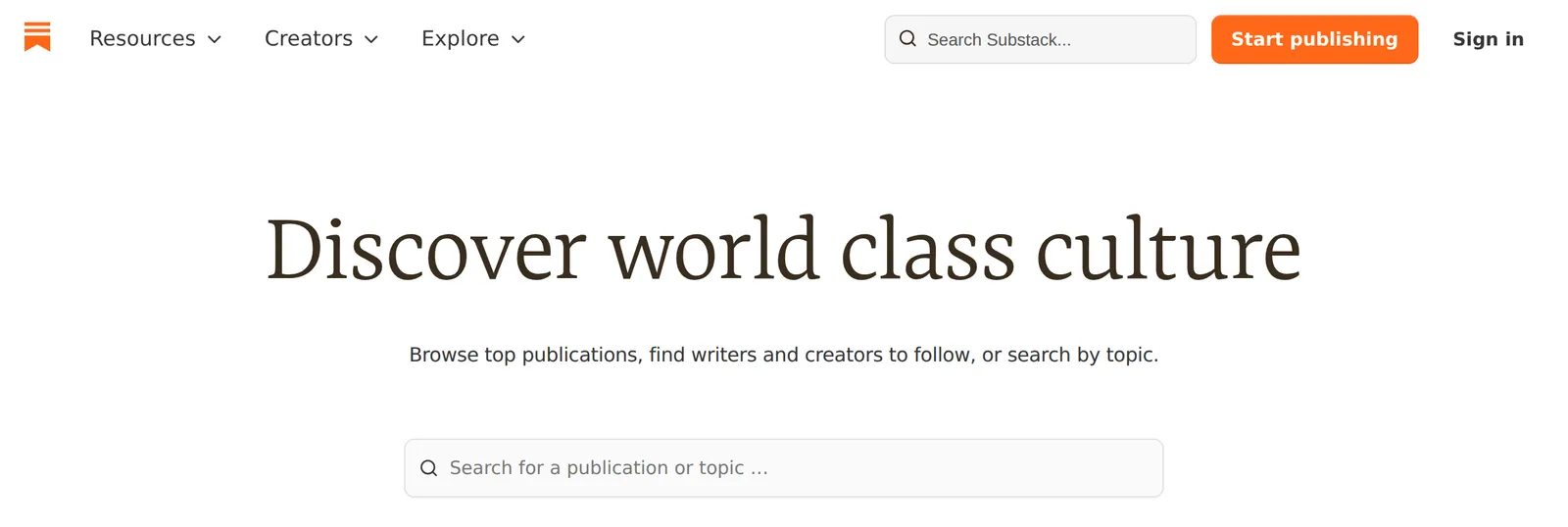 What substack.com returns for a profile address with /feed added, 7 November 2026. Source: the profile at substack.com/@noahpinion
The open.substack.com/pub/NAME links that the Substack app hands out redirect to the publication’s home page when you open them in a browser, but /feed on the end of one is a 404. Open the link first, let it land on the publication’s site, then add /feed to that address. The same goes for any NAME.substack.com address: wherever it lands in your browser is the address to add /feed to.
If the page shows the writer’s profile with several publications listed, each publication has its own feed. Pick the one you want and use its address. Trailing slashes don’t matter: /feed/ redirected to /feed on every publication I tried.
2. The custom domain is missing “www”
Many Substacks run on their own domain. The feed moves with it: Slow Boring’s is https://www.slowboring.com/feed. The old NAME.substack.com/feed address redirects there, and most readers follow that without asking.
The trap is the bare domain. Substack says some registrars, GoDaddy among them, can’t point a root domain like example.com at it, so it requires a subdomain such as www. It tells writers to switch on a “Root domain redirects” setting, which it says can take up to 36 hours to start working (Substack help).
So it varies by publication. https://slowboring.com/feed redirected to the www feed. https://noahpinion.blog/feed returned a plain 404 that didn’t come from Substack’s usual front end, even though noahpinion.blog on its own redirects to the home page. A reader that was given the bare address sees a dead feed. The fix is to add www. (or whatever subdomain the site uses in your browser’s address bar) and subscribe again.
3. The publication moved or closed
A publication that no longer exists on Substack returns a 404 at /feed, the same as a typo. Check the address in a browser: if the home page is gone too, the feed is gone with it. If the writer moved to another platform, the new site will usually have its own feed. My guide to finding the RSS feed of any website covers the common patterns.
4. Posts stop after a paragraph
The feed works and the headlines arrive, but the post ends after an image or a paragraph with a “Read more” link. That’s the paywall, and it’s on purpose. In Slow Boring’s feed, 17 of the 20 posts ended that way on 7 November.
Substack now has three kinds of partial post, and all of them reach RSS in their short form:
- Paid posts. Free readers get a preview up to the paywall line, and the web version says “This post is for paid subscribers” (Substack help).
- Freewalled posts. These are free but subscribers-only: anyone not subscribed sees the part above the line, then “Subscribe for free to continue reading” (Substack help). Being a free subscriber by email doesn’t help your reader, which fetches the feed as a stranger.
- Audience-specific sections. A writer can put blocks inside one post that only free or only paid subscribers see. Substack’s help is plain about where feeds stand: “RSS feeds and search engine crawlers see the Not subscribed version of any audience section.”
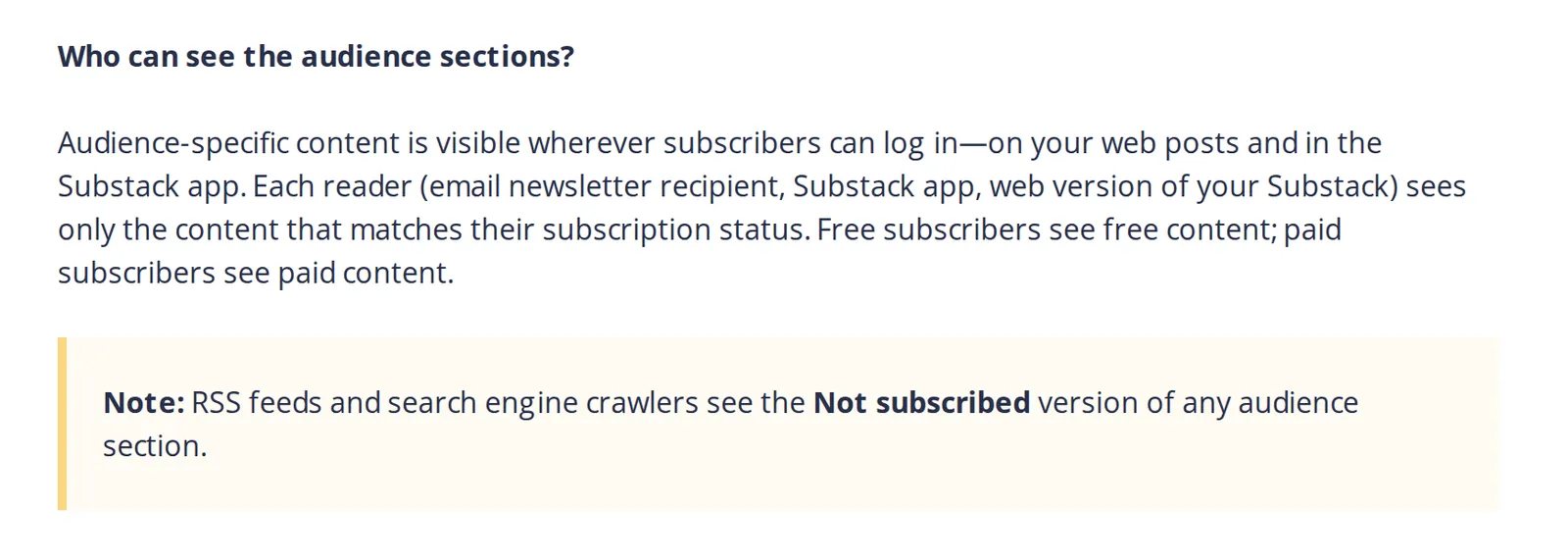 Substack’s help center on audience-specific content, 7 November 2026. Source: support.substack.com
Substack’s help documents a private feed per subscriber for podcasts only (Substack help), not for written posts.
If you pay for a newsletter and want the full text in a reader, the working route is email: subscribe with an address from Kill the Newsletter, which turns incoming emails into an Atom feed. Its page warns not to share that feed, since it carries your address’s identifier.
Feedly’s own Substack page suggests the same idea with forwarding: “If for some reason the RSS does not work, you can still use your personal email address to subscribe” and forward the emails to Feedly (Feedly docs). My guide to reading newsletters in an RSS reader walks through both. Hushread has no newsletter inbox, so a paid Substack post shows the same preview there as in any reader, and its free plan has no limit on sources.
5. Older posts are missing
Every Substack feed I checked carried the latest 20 posts. For Slow Boring, which publishes about twice a day, that covered 28 October to 6 November. For Noahpinion it went back to 28 September. The feed is a window on recent posts, not an archive, so a reader added today shows the last 20 and nothing older. Read the back catalogue on the website.
Size is the other side of that. Free posts arrive in full, with images, so Noahpinion’s 20 posts, 15 of them complete, made a 1.5 MB feed, against 160 KB for Slow Boring’s mostly paywalled one.
6. Your reader gets a 403 and your browser doesn’t
Substack serves its publications through Cloudflare, and every so often a reader’s servers get blocked while browsers don’t. In August 2023 NewsBlur users reported Substack feeds failing, one with 403 errors in the app’s error log; they started working again on August 14, and nobody in the thread said publicly what had changed (NewsBlur forum).
You can’t fix that from your side. Confirm the feed opens in a browser, then report it to your reader’s support with the feed address and the error. Substack doesn’t turn readers away in general: on 7 November its feeds answered browsers and scripts alike, even requests that gave no user agent.
Before blaming either side, check Substack’s status page. It lists “Substack publications” and “Custom domains” as separate components, so you can see whether only sites on their own domains are affected.
7. You’re trying to add a feed inside Substack
Substack’s app and website once let you add outside RSS feeds to your Substack inbox. Commenters on Sub Pub’s guide to the feature said the button was gone in August 2023 (“What happened to the RSS feed option? It’s not there anymore”) (Sub Pub), and Substack’s help center has no article on adding one today. If you want Substack newsletters next to other sites, do it in an RSS reader instead.
FAQ
Why is my Substack RSS feed not updating?
Open the feed in a browser and compare the newest post with the site. If the browser shows the new post and your reader doesn’t, the reader is caching or blocked; if neither does, the writer hasn’t published. A bare custom domain without www can also leave a reader stuck on a dead address.
What is the Substack RSS feed for a custom domain?
The custom domain with www (or the subdomain the site uses) plus /feed, such as https://www.slowboring.com/feed. The old NAME.substack.com/feed address redirects there.
Why do Substack paid posts only show a preview in RSS?
Readers fetch the feed as someone who isn’t subscribed, so paid, freewalled and audience-specific sections show only their public part. Substack documents private feeds only for podcasts, so for full paid text use an email-to-feed service or read in Substack.
Does a Substack profile have an RSS feed?
No. substack.com/@name/feed returns a 404 page. Use the publication’s address plus /feed; a writer with two publications has two feeds.
How many posts are in a Substack RSS feed?
Twenty, the most recent ones. Older posts are only on the website.
If the address is right and the feed opens in a browser, the problem is your reader, and its support team is the next stop. If you mostly read paid newsletters, the Substack app or your inbox will serve you better than any RSS reader, because the feed will only ever carry previews. For free newsletters next to news sites, any reader works, and Hushread is one option.