
Disclosure: Hushread is our app. We’ve tried to be fair, and we say where the others are the better choice.
Netvibes.com is gone. Dassault Systèmes retired it on June 2, 2025, and the address now leads to a short retirement notice. If you want the same thing back, a start page made of feed widgets, the closest Netvibes alternatives are Start.me and Protopage, and Glance if you are willing to run your own server. If what you really used Netvibes for was reading feeds, an RSS reader such as Inoreader, Feedly, FreshRSS or Hushread is the better fit. None of them can bring your old dashboard back, so the first job is rebuilding your feed list.
What happened to Netvibes
Dassault Systèmes told users in a notice titled “Important information about your Netvibes.com account” that “Netvibes.com as a standalone service will be retired” and that accounts and dashboards “won’t be accessible after noon CET on June 2” (archived notice, captured 16 April 2025). The notice itself gives no year. The year comes from the dates around it: the Internet Archive saved that copy on 16 April 2025, and the French site LinuxFr, in an article published on 1 June 2025, reported that users received the email on 15 April and that the service would end at noon on 2 June 2025 (LinuxFr).
The reason given was not about RSS. The notice opens with “3D UNIV+RSES”, a strategy built around AI that Dassault had announced in a press release dated February 4, 2025 (Dassault Systèmes), and then says: “In this context, Netvibes.com as a standalone service will be retired”. That is all the explanation it gives.
Today netvibes.com redirects to a Dassault page that reads: “Netvibes.com has been retired as a standalone service. NETVIBES continues as a Dassault Systèmes brand” (netvibes.com). The name lives on as a line of business software. The personal dashboard does not.
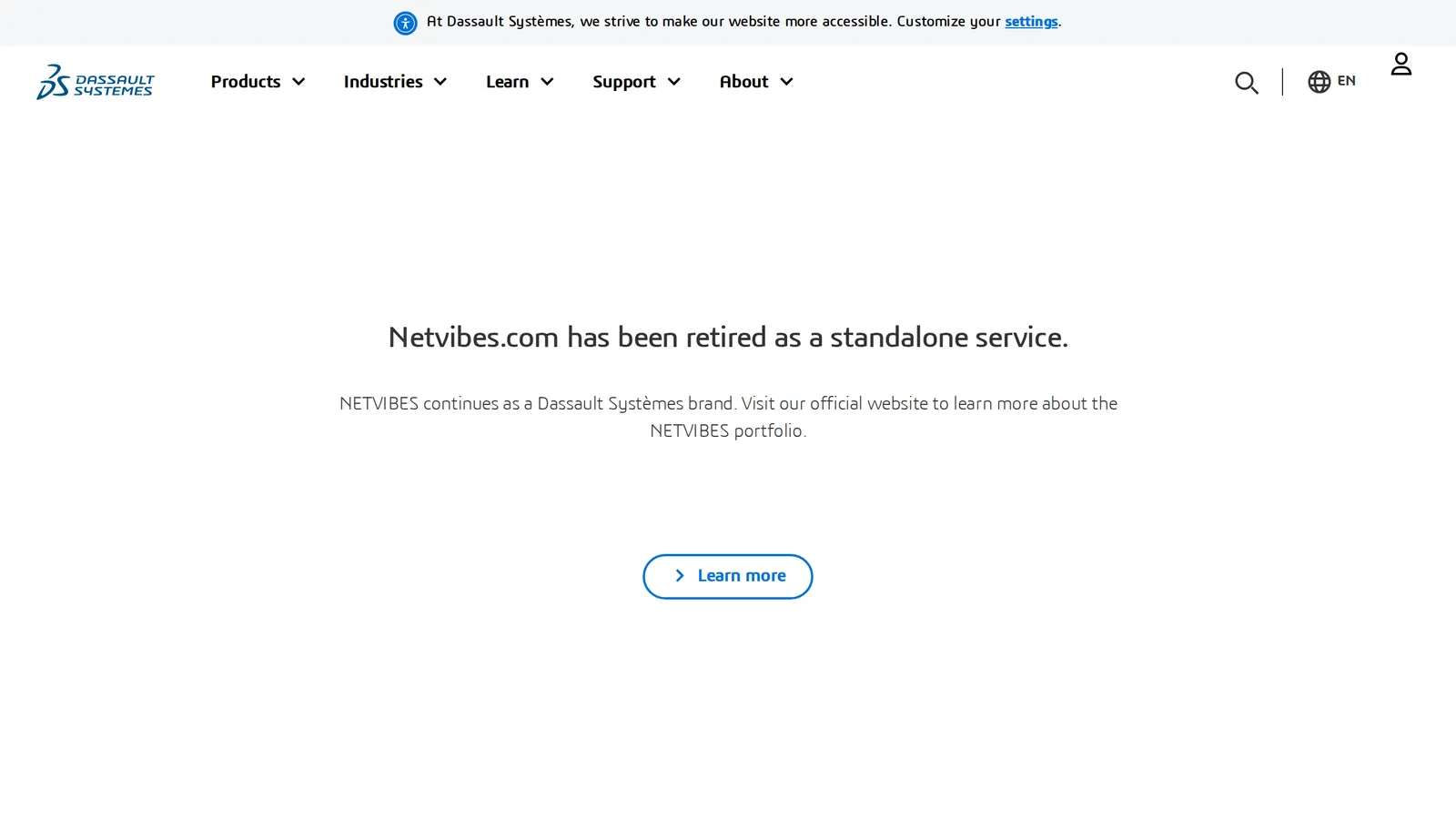 What netvibes.com shows on 9 October 2026. Source: netvibes.com
Can you still get your feeds out?
No. The notice told users to back up their data at netvibes.com/account/export before the deadline, and said that after retirement “all your personal data collected to provide you with this service will be deleted by Dassault Systèmes”. When we requested that export address on 9 October 2026 it redirected to the same retirement page.
If you saved an export file in 2025, open it in our OPML viewer to see which feeds are inside before you import it anywhere. If you did not, you are rebuilding from memory: list the sites you followed, then use our guide to finding the RSS feed of any website for each one.
Netvibes alternatives at a glance
Prices were checked on 9 October 2026 on each product’s own page and are in US dollars.
| Tool | What it is | Free plan | Paid price |
|---|---|---|---|
| Start.me | Hosted start page with widgets | 3 start pages, basic widgets, ads | PRO $25 a year |
| Protopage | Hosted start page with feed widgets | Yes, the site calls itself free | No price found on its public pages |
| Glance | Self-hosted dashboard | Free software, your own server | None |
| Inoreader | RSS reader with dashboards | 150 feeds, no ads | Pro $7.50 a month billed annually |
| Feedly | RSS reader | 100 feeds | See Feedly pricing |
| FreshRSS | Self-hosted RSS reader | Free software, your own server | None |
| Hushread | RSS and news reader, not a dashboard | 5 sources | Pro $1.25 a month billed yearly |
Start pages: the closest thing to a Netvibes dashboard
1. Start.me
Start.me is the hosted service that went after Netvibes users most directly. On May 5, 2025 it published a moving guide: create a free account, click the + icon, choose “Import feeds”, pick your OPML file, and it builds a new page from those feeds. The same post lists RSS alongside Bookmarks, Notes, Tasks, Embed and Stocks widgets (Start.me blog).
The Free plan is $0 and its pricing page describes it in three lines: “Maximum of 3 start pages”, “Basic widgets only” and “Includes advertising”. PRO is $25 per year and lists unlimited start pages, 27 PRO features and widgets, and no advertisements (Start.me pricing). For organizations, the same page lists a Team plan at $25 per month billed annually, which includes 10 users and a 30-day free trial, and an Enterprise plan priced by quote. We loaded the page from India. A copy saved by the Internet Archive on 4 October 2026 shows the same $25 per year for PRO (archived copy).
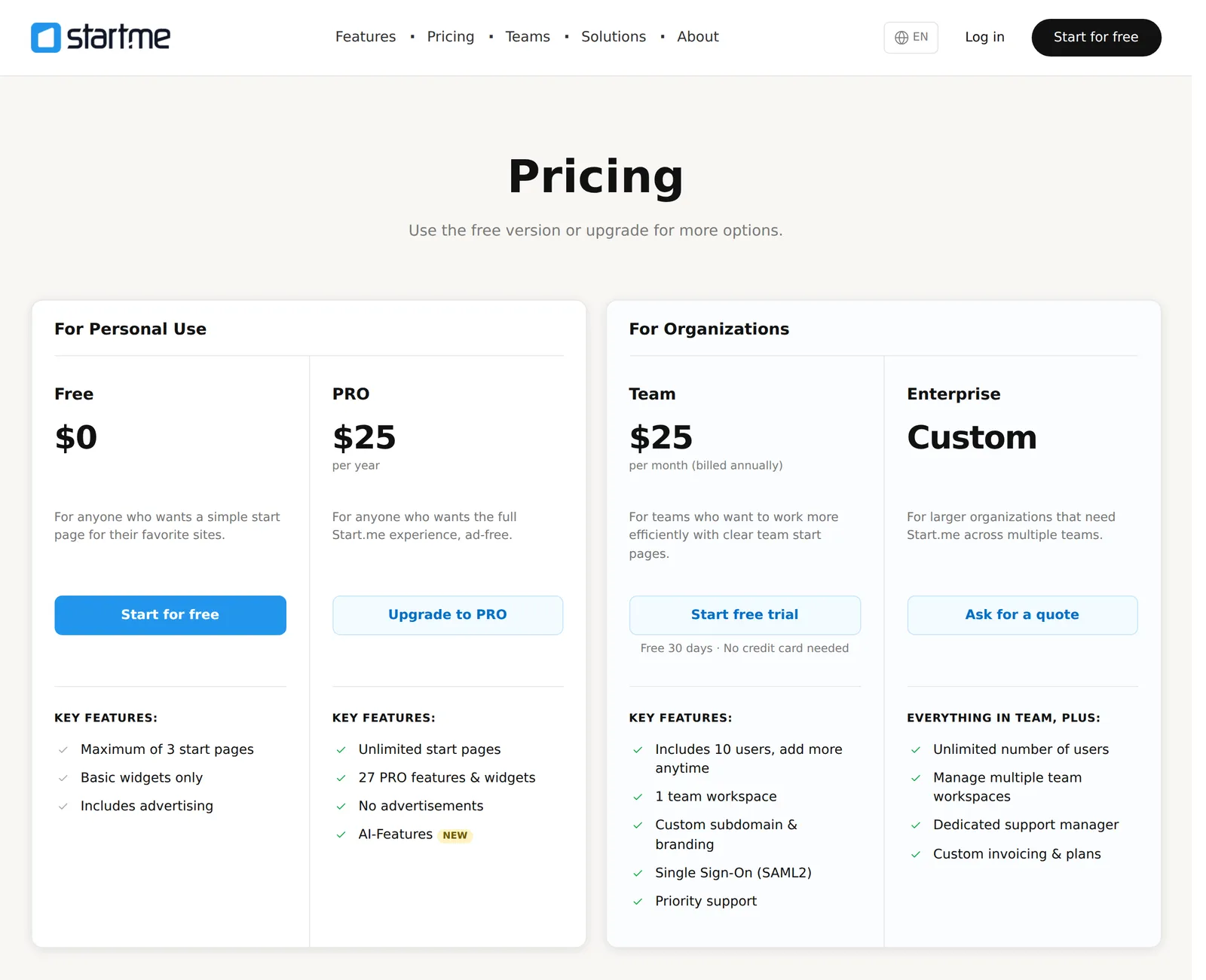 Start.me’s pricing page as it loaded from India on 9 October 2026. Source: start.me
Pick Start.me if you want a page of widgets you can open in any browser and you are fine with ads or with paying $25 a year to remove them. Its public pages don’t say which widgets count as “basic”, so check that the ones you need are on Free before you rebuild everything.
2. Protopage
Protopage is the old-school option, and that is a compliment here. Its banner reads “Free start pages since 2005”, and its own description is close to what Netvibes was: “your own personal page that you can access from any computer, tablet or smartphone. You can monitor news headlines from almost any web site, even obscure ones.” Pages can be private or public, and hold bookmarks, to-do lists and sticky notes (Protopage).
You can try it without an account: the home page is a working demo with an “Add widgets” button, and registering saves your layout.
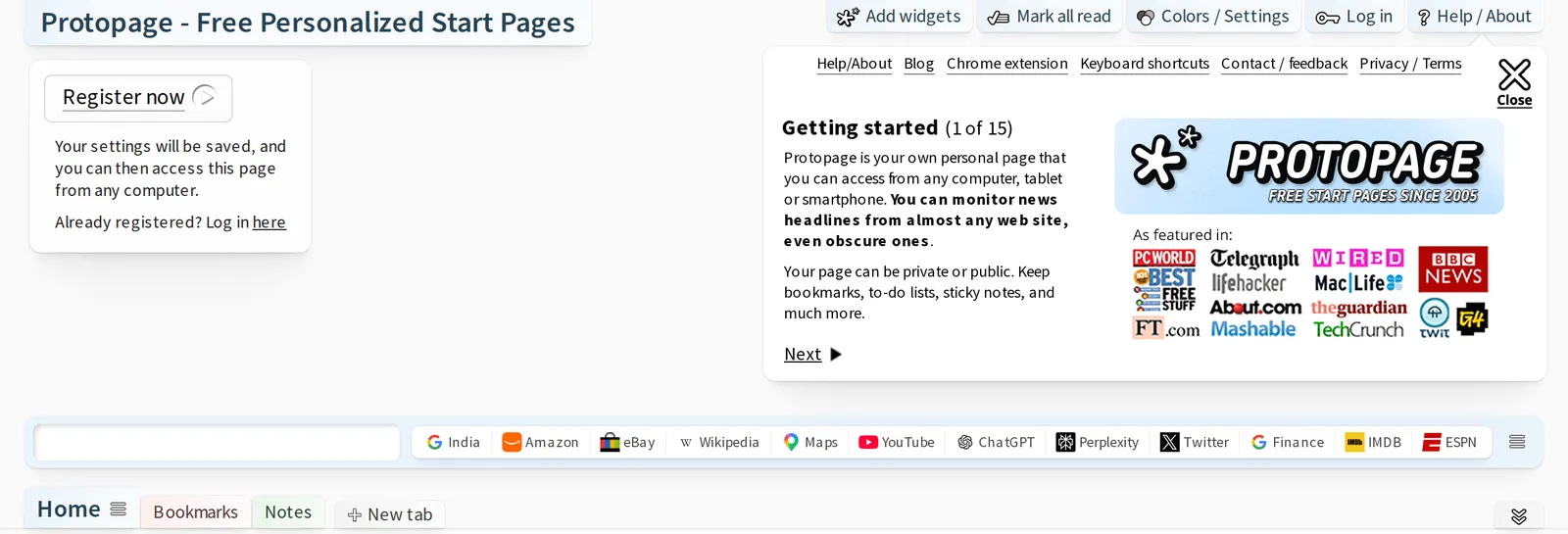 The top of Protopage’s home page, 9 October 2026. Source: protopage.com
We found no pricing page and no paid plan on Protopage’s public pages, so we can’t tell you what, if anything, an upgrade costs. We also could not confirm whether it imports or exports OPML. Keep your own list of feed addresses if you build a page there.
3. Glance (self-hosted)
Glance describes itself as “a self-hosted dashboard that puts all your feeds in one place”. Its widget list includes RSS feeds, subreddit posts, Hacker News posts, weather forecasts, YouTube channel uploads, Twitch channels, market prices, Docker container status and server stats, with multiple pages and themes. It is licensed AGPL-3.0, configured in YAML files, and its README recommends installing it with Docker Compose (Glance on GitHub).
That is the trade: no company can retire it, but you need a server and you edit a text file instead of dragging widgets around. If “self-hosted” and “YAML” mean nothing to you, pick one of the two above.
RSS readers: if the feeds mattered more than the layout
A reader gives you one list of articles instead of a wall of boxes. If you are new to the idea, what is RSS explains it in a few minutes.
4. Inoreader
Inoreader is the reader that sits nearest to Netvibes, because it has dashboards too. Its pricing page lists them as “Build your own custom dashboards with updates, trending articles, and statistics”. Free covers 150 RSS feeds and Pro covers 2,500 at $7.50 a month billed annually, or $9.99 billed monthly (Inoreader pricing). Our Inoreader pricing breakdown covers what each plan leaves out.
One caution about its own comparison page: Inoreader’s “Inoreader vs. Netvibes” page, last updated October 17, 2025, still compares feed limits with Netvibes as if it were available and says nothing about the retirement (Inoreader).
5. Feedly
Feedly is the mainstream reader, with a free plan of 100 feeds. Its prices change with your location, so we keep them in one place: Feedly pricing.
6. FreshRSS (self-hosted)
FreshRSS calls itself “a free, self-hostable feed aggregator”. It is free software under the AGPL 3 license, imports and exports OPML, and takes themes and extensions (FreshRSS). It suits the same person as Glance: someone who lost a service once and would now prefer to own the server.
7. Hushread
Hushread is a reader, not a widget dashboard. There is no grid of boxes, no weather or to-do widget and no start page to set as your browser’s home. If that is what you miss about Netvibes, Start.me or Protopage is the better choice.
What it does is follow the sources you pick (RSS feeds, websites without a feed, topics, subreddits, YouTube channels and public Facebook pages) and show every article newest first, with nothing ranked or injected. Articles about the same event from different outlets are linked into one story with a timeline. It runs on iPhone, iPad, Android and the web, and it imports OPML.
The limits: the free plan holds 5 sources, and an OPML import on Free fills only the slots you have left. Pro is $1.25 a month billed yearly ($14.99 a year in the US) for unlimited sources (plans). Hushread does not export OPML yet, which matters to anyone who has just lost a dashboard.
FAQ
Did Netvibes shut down?
Yes. Dassault Systèmes retired Netvibes.com as a standalone service, with accounts and dashboards inaccessible after noon CET on June 2, 2025. The address now redirects to a Dassault page saying the service has been retired.
What is the best news aggregator like Netvibes?
For the same layout, a start page of feed widgets, Start.me (free with ads, or $25 a year) and Protopage are the closest hosted options, and Glance if you self-host. If you mainly read headlines, an RSS reader such as Inoreader, with 150 feeds free and its own dashboards, is a better match.
Is there a free Netvibes replacement?
Yes. Start.me has a free plan with up to 3 start pages, basic widgets and advertising, and Protopage describes itself as free. Glance and FreshRSS are free software if you have a server to run them on.
Can I recover my old Netvibes dashboard?
No. Dassault’s notice said personal data would be deleted when the service was retired, and the export address now redirects to the retirement page. If you saved an export file before June 2, 2025, you can import its feeds into Start.me or an RSS reader.
Choose Start.me or Protopage if you want your start page back, and Glance if you never want to depend on a company for it again. Choose Inoreader if you want a reader with dashboards and a large free plan. Hushread only fits if you would rather read your sources as one chronological feed grouped into stories; it is free with up to 5 sources. Try Hushread.